Clips from one event can become a story.
When new footage comes in, Story0 suggests which clips show the same event, and a person confirms. Inside a story, you choose which clips the video uses. Leaving one out never changes its call on the clip list.
Choose clips
Streets turn to rivers after a downpour

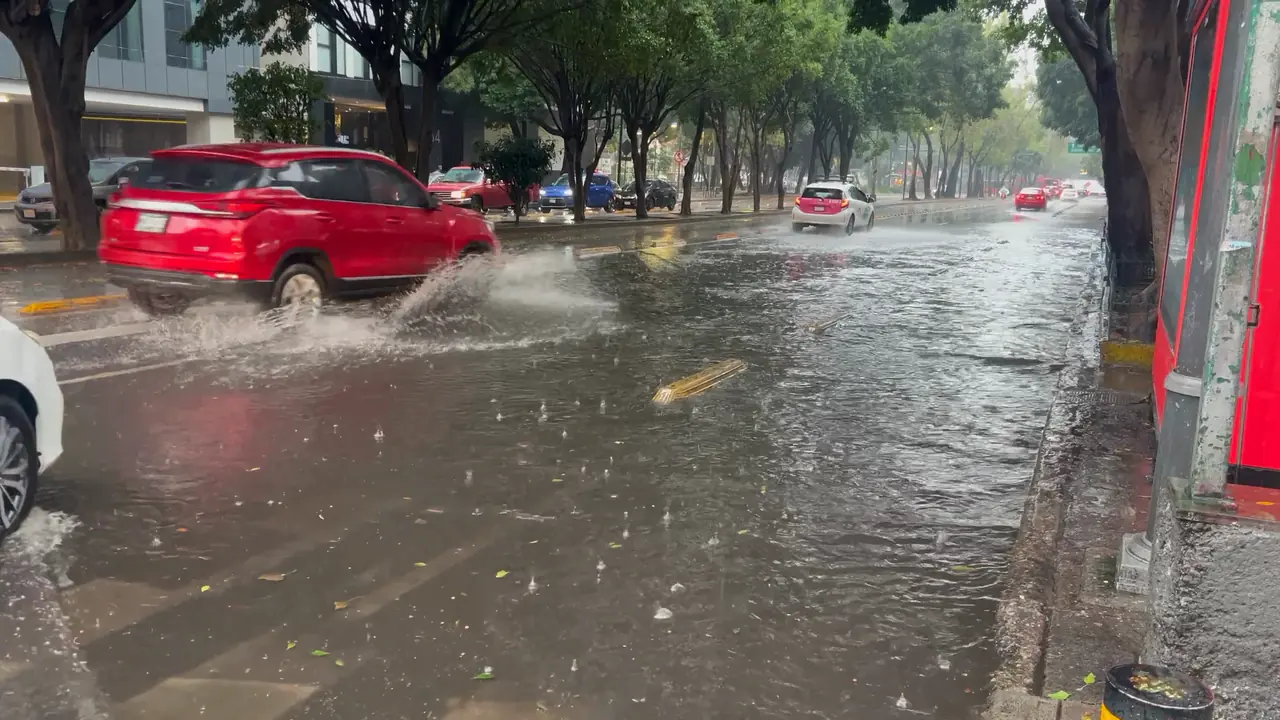
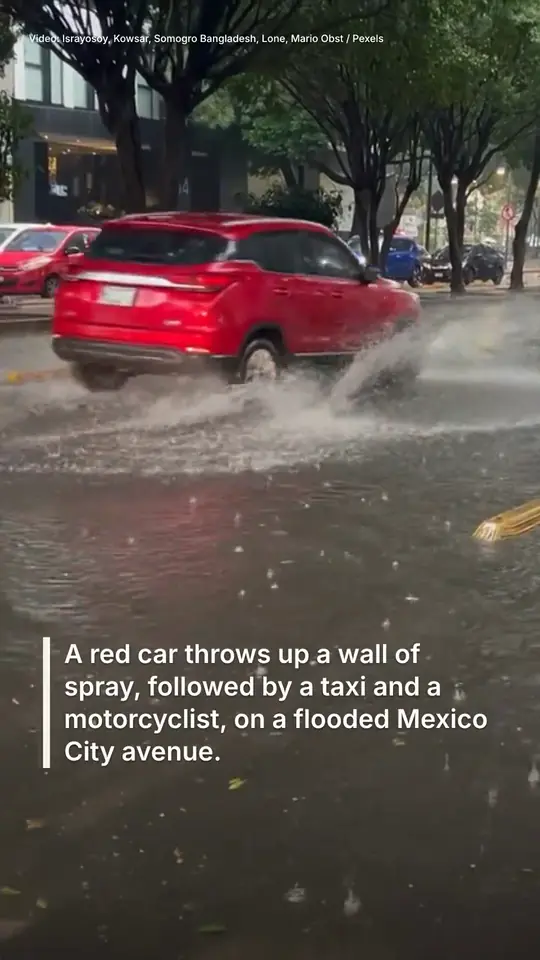
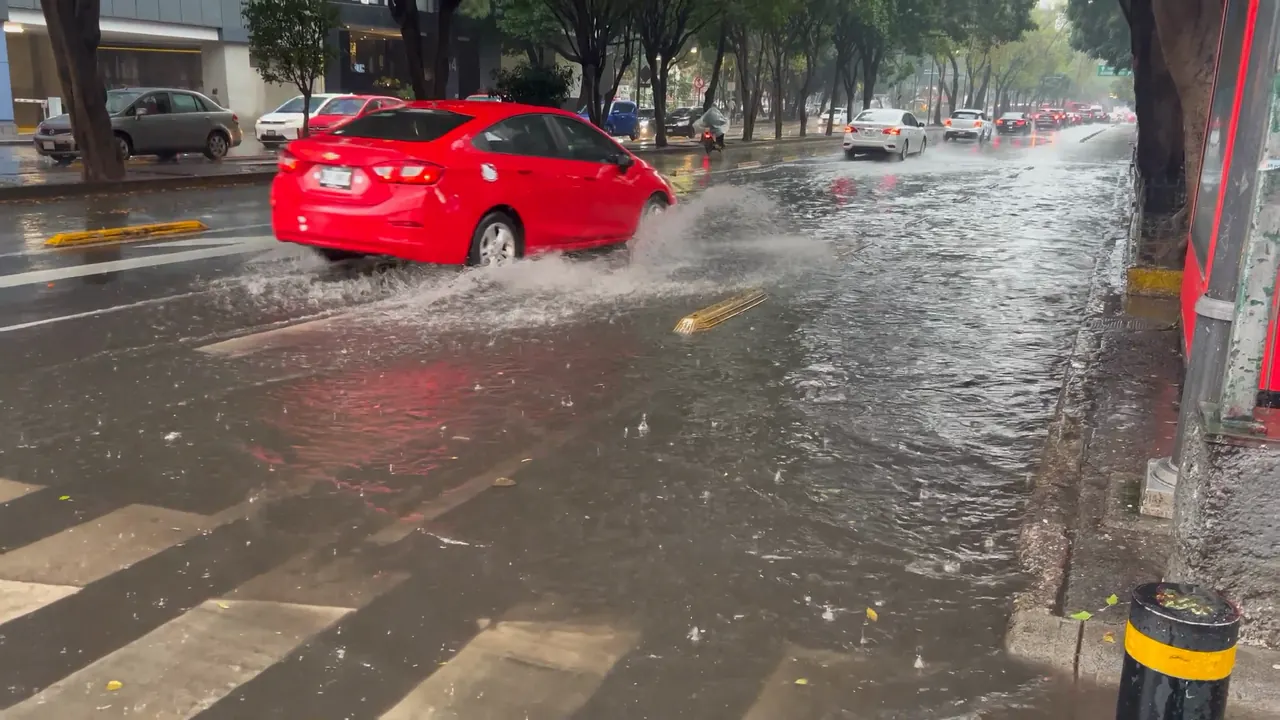
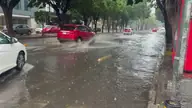
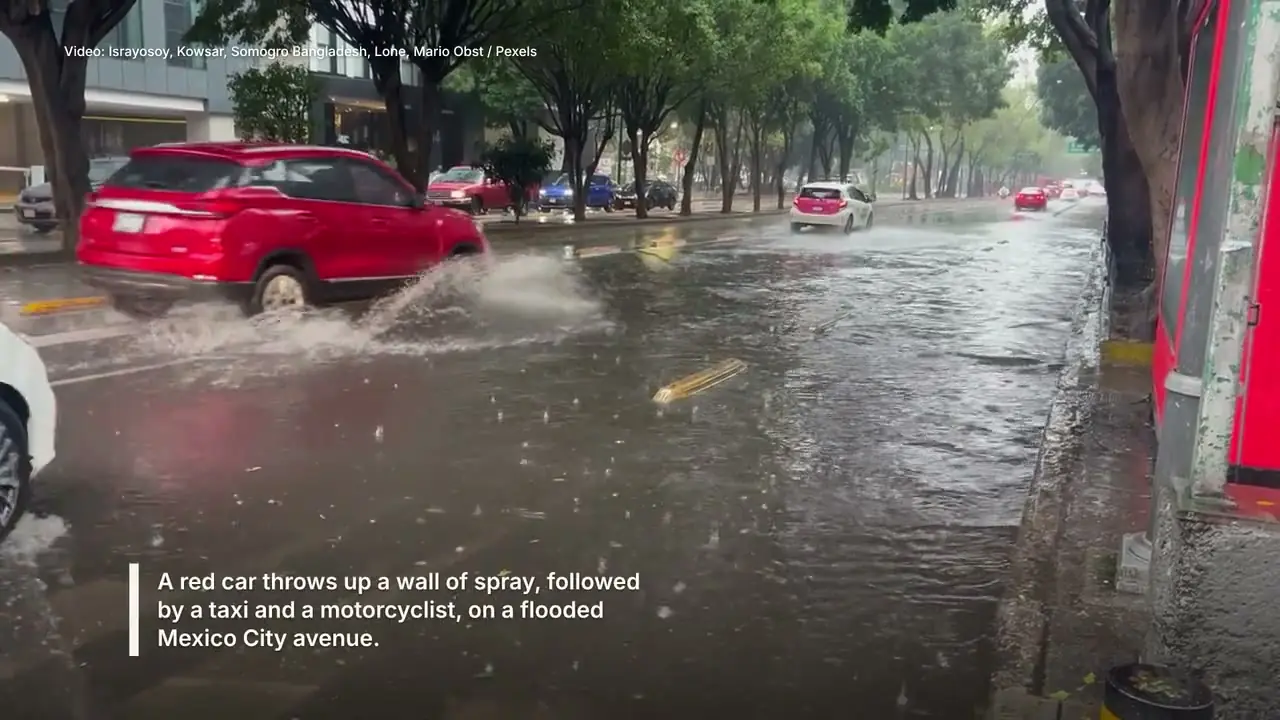
Red car on a flooded avenue
Clip list:Use
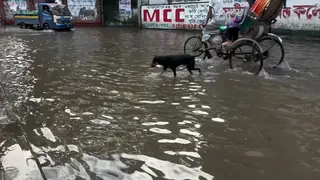
Dog wading down a flooded street
Clip list:Use
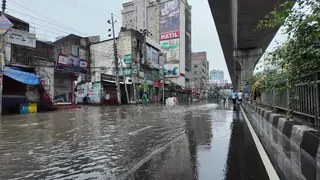
Flooded road under an overpass
Clip list:Use
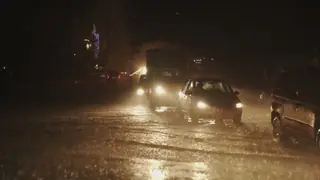
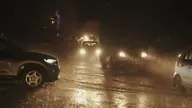
Night traffic in standing water
Clip list:Use
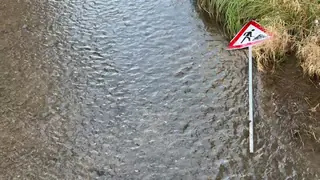
Flooded path and warning sign
Clip list:Use
5 of 5 clips in this video.
It plans the video in parts, from the hook to the payoff.
The example desk typed one request. Story0 planned six parts around it.
What the example desk asked for
Open on the red car in Mexico City, then give each other clip its own part
- Hook
- Background
- What happened
- What happened
- What happened
- Payoff
- What the example desk asked for: Open on the red car in Mexico City, then give each other clip its own part
- Hook, 0:00
- Background, 0:06
- What happened, 0:17
- What happened, 0:28
- What happened, 0:38
- Payoff, 0:47
Each shot comes from the part of the clip the desk kept.
The hook opens on the strongest moment, even when it comes late in its clip. If the desk cut part of a clip, that part stays out. In the approved cut, the editor started the hook two seconds later, as the red car reaches the water.
Hook
Red car on a flooded avenue
0:11-0:17
Background
Red car on a flooded avenue
0:00-0:11
What happened
Dog wading down a flooded street
0:00-0:11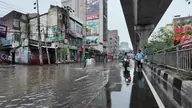
What happened
Flooded road under an overpass
0:04-0:14inside the desk's trim, 0:00-0:14
What happened
Night traffic in standing water
0:06-0:15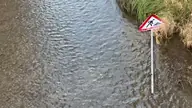
Payoff
Flooded path and warning sign
0:00-0:08
- Hook: Red car on a flooded avenue, 0:11-0:17, from 0:11 in its clip, where the editor started it
- Background: Red car on a flooded avenue, 0:00-0:11
- What happened: Dog wading down a flooded street, 0:00-0:11
- What happened: Flooded road under an overpass, 0:04-0:14, inside the desk's trim, 0:00-0:14
- What happened: Night traffic in standing water, 0:06-0:15
- Payoff: Flooded path and warning sign, 0:00-0:08
- Hook: Red car on a flooded avenue, 0:11-0:17, from 0:11 in its clip, where the editor started it
- Background: Red car on a flooded avenue, 0:00-0:11
- What happened: Dog wading down a flooded street, 0:00-0:11
- What happened: Flooded road under an overpass, 0:04-0:14, inside the desk's trim, 0:00-0:14
- What happened: Night traffic in standing water, 0:06-0:15
- Payoff: Flooded path and warning sign, 0:00-0:08
Captions are written from the desk's copy.
Copy is the text your desk writes about the story. Each caption comes from a sentence of it and sits on the part it describes. Without copy, captions come from what is seen and said, and a soundbite stays whole, with its own sound. Here the editor shortened some captions to fit.
From the desk's copy
A red car threw up a wall of spray, followed by a taxi and a motorcyclist.
Caption
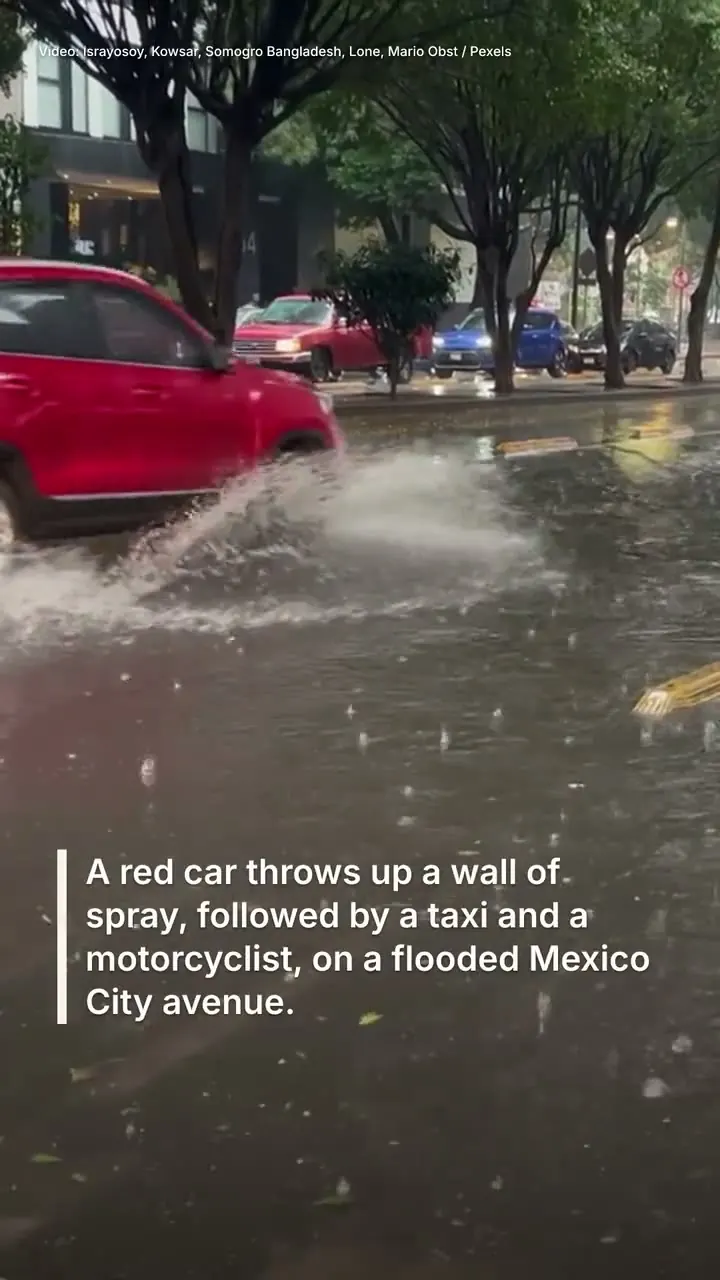
A red car throws up a wall of spray, followed by a taxi and a motorcyclist, on a flooded Mexico City avenue.
Heavy rain turned an avenue in Mexico City into a river, but drivers kept going through water that covered the road.
Contributors in other places sent their own footage: in one clip, a dog wades across a flooded street as rickshaws pass.
In another clip, people keep to the edge of a flooded road beneath an overpass as a motorcyclist rides through the water.
A third clip, filmed after dark in heavy rain, shows cars crawling through standing water with their headlights on.
In a fourth clip, floodwater runs past a roadworks sign leaning at the edge of a grassy bank.
- 0:00. From the desk's copy: A red car threw up a wall of spray, followed by a taxi and a motorcyclist. Caption: A red car throws up a wall of spray, followed by a taxi and a motorcyclist, on a flooded Mexico City avenue.
- 0:08. From the desk's copy: Heavy rain turned an avenue in Mexico City into a river, and drivers pressed on through water that covered the road. Caption: Heavy rain turned an avenue in Mexico City into a river, but drivers kept going through water that covered the road.
- 0:19. From the desk's copy: Contributors in other places sent their own footage of flooded streets. In one clip, a dog wades across a street under water while cycle rickshaws and a truck pass behind it. Caption: Contributors in other places sent their own footage: in one clip, a dog wades across a flooded street as rickshaws pass.
- 0:29. From the desk's copy: In another, people keep to the edge of a flooded road beneath an overpass as a motorcyclist rides through the water. Caption: In another clip, people keep to the edge of a flooded road beneath an overpass as a motorcyclist rides through the water.
- 0:39. From the desk's copy: A third, filmed after dark in heavy rain, shows cars crawling through standing water with their headlights on. Caption: A third clip, filmed after dark in heavy rain, shows cars crawling through standing water with their headlights on.
- 0:48. From the desk's copy: In a fourth, floodwater runs past a roadworks sign leaning at the edge of a grassy bank. Caption: In a fourth clip, floodwater runs past a roadworks sign leaning at the edge of a grassy bank.
Then it checks the cut.
Five checks pass. One says what the footage can't show.
- Hooks in 3 s
A strong moment is on screen in the first 3 seconds
- Pays off
It ends on the outcome
- Front-loaded
What, where and the key moment come in the first third
- Enough to follow
Nothing shows how the flooding ended or what damage it caused.
- Works with sound off
Every soundbite has its words on screen
- Music clear of speech
The music stops for speech
- Hooks in 3 s
- Pays off
- Front-loaded
- Enough to follow: Nothing shows how the flooding ended or what damage it caused.
- Works with sound off
- Music clear of speech
The same cut is framed for each screen.
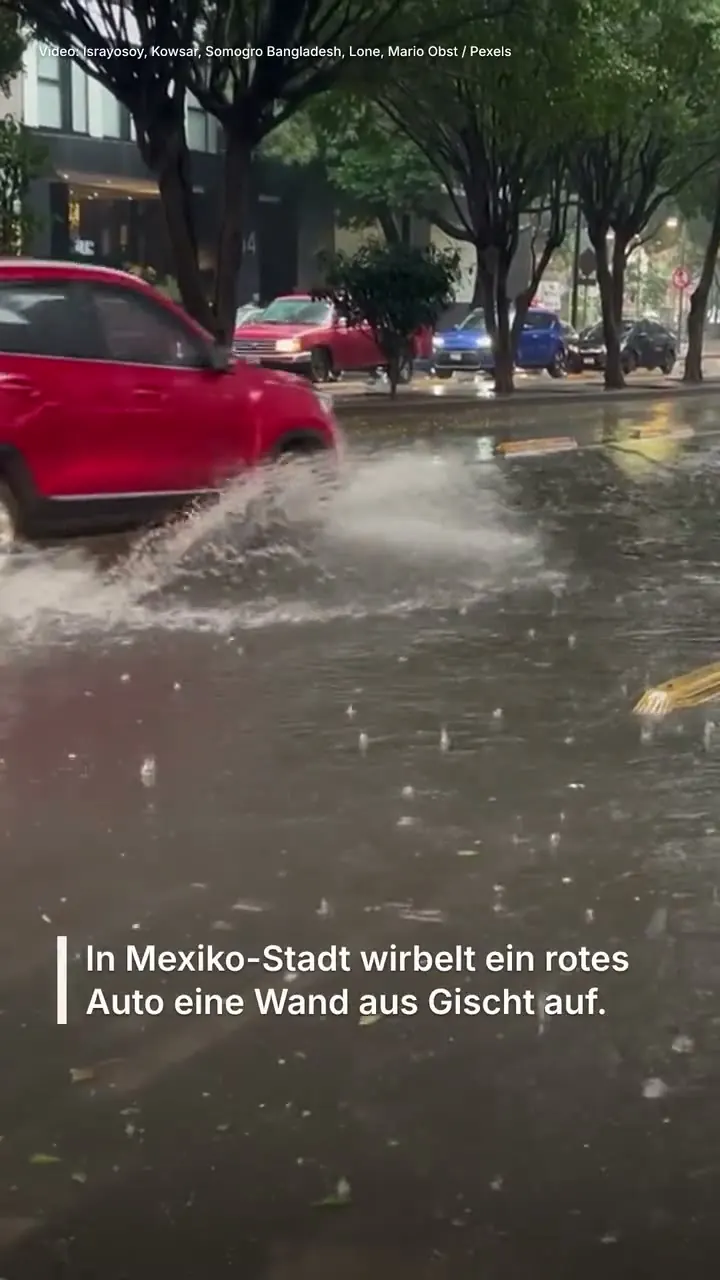
The example desk approved three videos from it: English 16:9, English 9:16 and German 9:16.
- English 16:9
- English 9:16
- German 9:16